































"Has anyone ever laser engraved a golf ball?"
Golf balls are essential equipment used in the game of golf, designed for optimal flight and performance. Each golf ball consists of a core, cover, and dimple pattern that affects its speed and trajectory. Whether you're a hobbyist, crafter, or part of a golf club in the UK, laser engraving allows you to personalise golf balls with names, logos, designs, or other custom text.
In this guide, we'll take a closer look at golf ball laser engraving—how it works, its advantages for UK users, and the step-by-step process to create your own custom engraved golf balls. Let's dive into this exciting journey together!

In this article:
Part 1: What is Golf Ball Laser Engraving and the Machine?
1.1 How Does Laser Engraving Work on Golf Balls?
As mentioned earlier, laser engraving on golf balls refers to the process of etching designs, logos, or text onto the ball's surface. Golf balls are typically made of urethane, ionomer, or Surlyn covers, materials that provide durability, spin control, and performance benefits.
Laser engraving on golf balls is achieved using a high-precision laser beam, which applies controlled heat to modify the surface without compromising the ball's integrity.
This process creates permanent, detailed markings without the need for inks or adhesives, making it an ideal method for customising golf balls with logos, names, or unique patterns—perfect for UK gift-giving occasions like Father's Day, club events, or tee-day celebrations.

1.2 Golf Ball Engraver Machine/Tool
To begin laser engraving golf balls in the UK, you'll need a laser engraver that fits home workshop needs and UK plug standards. This tool is essential for achieving precise, long-lasting engravings on the ball's surface, ensuring accuracy and efficiency for personal or small-scale club use.
With various laser engraving machines available, you may wonder: What laser is best for golf ball engraving? or What machine do I need to engrave golf balls?
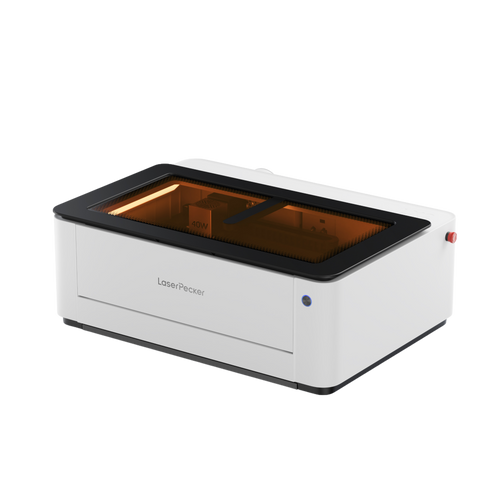
For home or small-scale golf ball engraving in the UK, diode laser engravers are an excellent choice. They offer portability, convenience, and cost-effectiveness, making them the ideal option for personalizing golf balls with names, logos, or unique designs.

1.3 What Makes Lasers Great for Engraving Golf Balls?
Compared to traditional marking methods, lasers bring clear advantages when engraving golf balls. From precision to consistency, here's why laser technology stands out.
Precision Without Contact
Unlike mechanical engraving, lasers don't make direct contact with the ball, preventing any deformation or surface damage. This is crucial for preserving the ball's balance and performance. Additionally, with accessories like the Electric Roller and Rotary Extension, you can engrave golf balls at any angle with excellent results!
High-Speed Personalization
Traditional engraving or pad printing is slower and often requires manual setup for each design. Lasers can switch designs instantly, enabling faster production and on-demand customization.
Consistent Quality in Bulk
Ideal for mass production—each engraving is identical, ensuring professional and uniform branding or personalization.
No Consumables or Maintenance Overhead
Traditional methods require inks, stencils, or blades, which need regular replacement and can be messy. Laser engraving is cleaner and more cost-efficient over time.
💡 Case Study: Laser Engrave Plastic Golf Ball Within 5 Steps
Preparation checklist for laser engraving golf balls:
- Engraving Material: Golf Ball
- Engraving Machine: Laser Engraver
- Engraving Design: Name, Logo, Images, Patterns, etc.
Is laser engraving golf ball hard? Not! The process is straightforward. So, How do you engrave golf balls? Don't worry, just follow these 5 simple steps to add personalized and intricate designs to your personalized laser engraved golf balls.
Step 1: Choose Your Material - Plastic Golf Ball
Selecting the right material is crucial to get the customized laser engraved golf balls. Different materials require specific laser settings to ensure precise engraving. Besides, please remember that it's important to ensure that the golf ball's material is laser safe to avoid any potential safety hazards.
In this guide, we'll conduct a case study of engraving name on a plastic golf ball.

Step 2: Choose the Right Laser Engraving Machine for Golf Ball Engraving
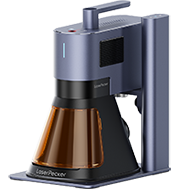
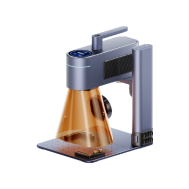
Here, we choose LaserPecker 4 (LP4), which is a dual-laser and multi-functional laser engraver that excels in plastic golf ball engraving.It's compact enough for small UK workshops and pairs seamlessly with UK plug sockets.
*Alternative
If you want faster engraving speed and better effect on plastic golf ball surfaces, you can try a more powerful laser engraver like the LP5.

Step 3: Prepare Your Engraving Design
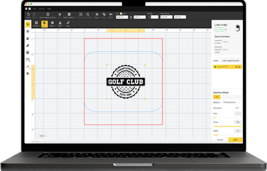
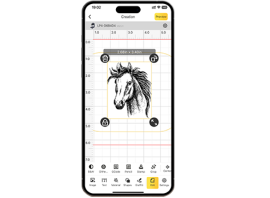
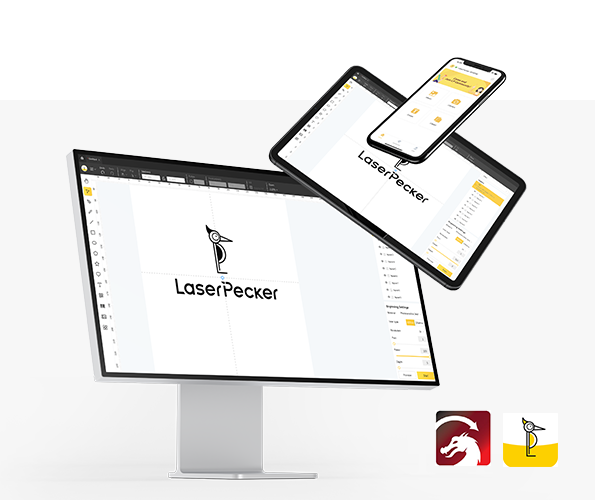
Use a free graphic design app/software to create or import the image or type the text you want to engrave on the golf ball's surface. Consider size, shape, and details like text or patterns.
Step 4: Set up the Golf Ball Laser Engraving Machine
Firstly, Make sure your engraver is powered on, and then connect your laser engraver to your computer or mobile device using the appropriate interface (USB cable, Bluetooth, etc.)
Secondly, Open the graphic design app/software and load your design.
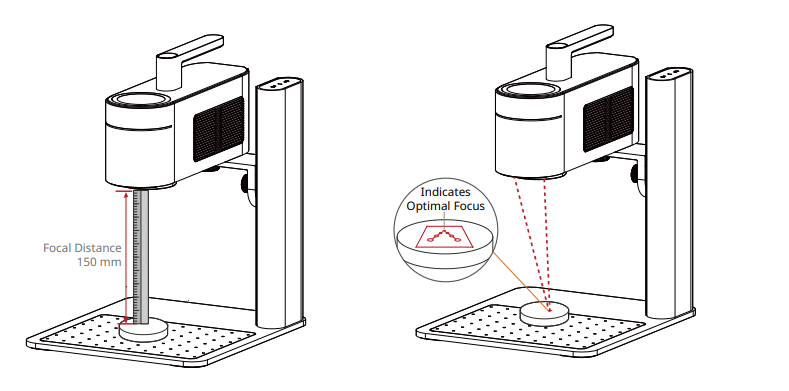
Thirdly, Turn on the "Preview Mode" to confirm if the laser lens is correctly focused. To verify it, you have 2 methods.
If you choose LaserPecker 4 (LP4), the first method is to use a ruler to measure the distance between the golf ball's surface and the machine, with a recommended distance of 15cm or 150mm.
Ensuring the laser engraving machine is properly focused is essential for achieving a high-quality engraving!
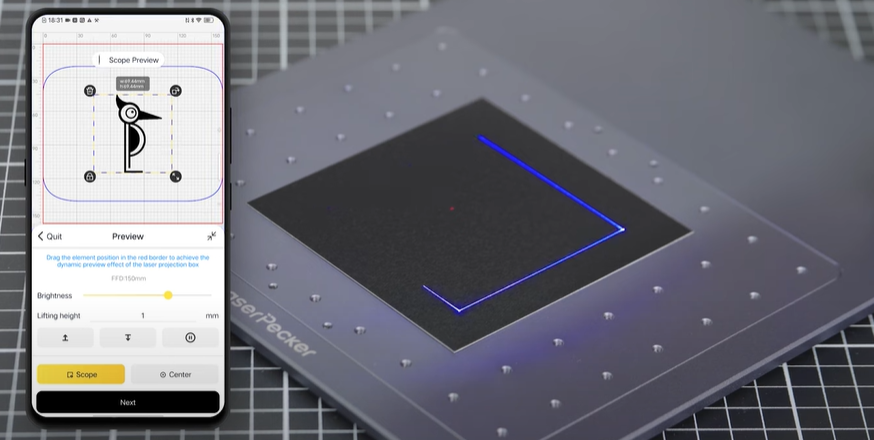
Fourthly, You need to place the items within the designated working area and examine the design's appearance on the golf ball. If it doesn't fit correctly, you'll need to adjust its position and size to ensure it aligns with the dimensions of your project.
Finally, Access the software's laser settings to adjust parameters like power, speed, and resolution according to the golf ball's properties and design intricacy. You might be wondering, "How much laser power is needed to engrave golf ball?" Rest assured, I've got you covered!
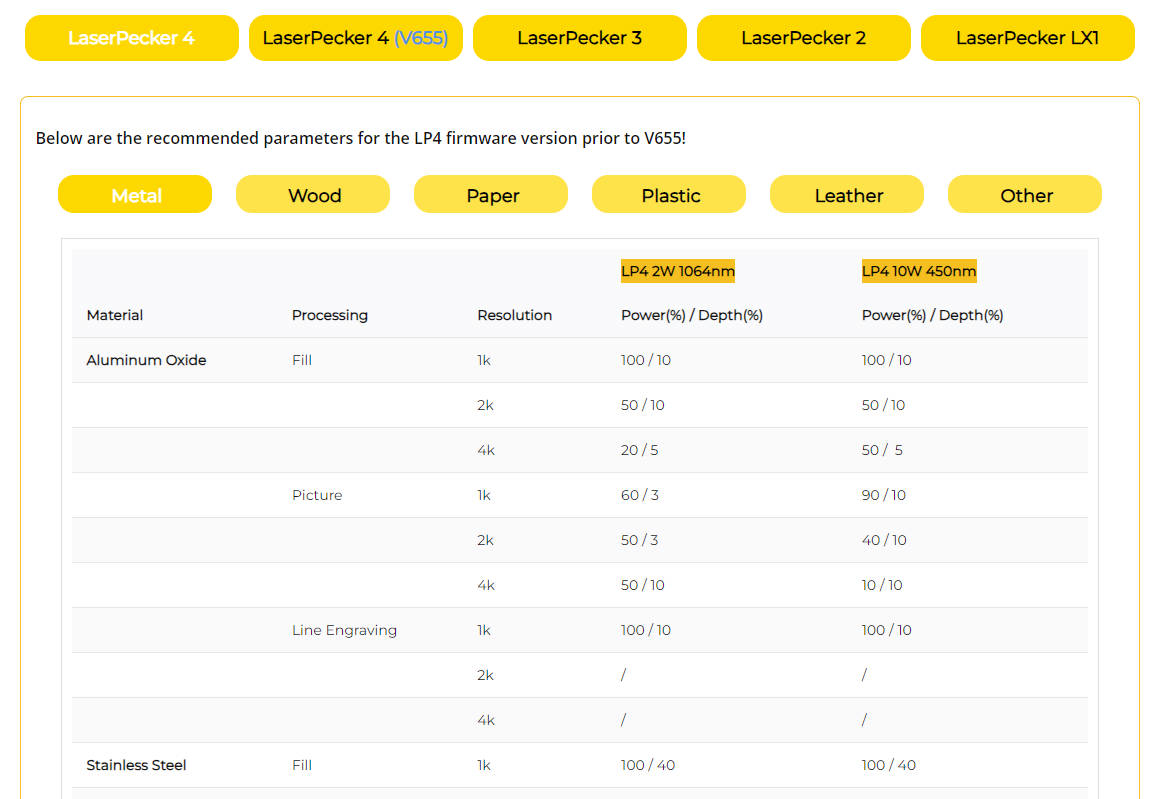
To get the best result, the recommended laserpecker 4 material settings for sgolf ball is 2 W 1064 nm; Resolution: 2k; Power: 100%; Depth: 60%; Pass: 1
To explore other recommended laserpecker engraving and cutting parameters, refer to the settings table that applies to any laserpecker machines, including LP1, LP2, LP3, LP4 and LP5.
Step 5: Start Engraving Your Golf Ball With Laser Now
Double-check everything to avoid mistakes. Then, hit the start button and watch the magic happen. The laser brings your design to life. Keep an eye on it, and you're all set!
Additionally, please be mindful that smoke or toxic gases may be emitted during the golf ball laser engraving process. Wearing a mask or employing an air purifier is essential for safety.
FAQ about golf ball laser engraving
1. Can golf balls be laser engraved?
Yes—golf balls (especially those with urethane, ionomer, or Surlyn covers) are perfect for laser engraving. Users can rely on LaserPecker LP4 or LP5 for crisp, permanent marks that won't damage the ball's performance.
2. How do you put a name on a golf ball?
Use a diode laser engraver (like LP4) and free design software. Simply type the name, adjust the size to fit the ball, set the recommended laser parameters, and engrave—no manual tracing required.
3. Can I personalize golf balls?
Absolutely! Users can personalize golf balls with names, initials, club logos, or custom patterns. It's a popular choice for tee-day gifts, club tournaments, or personal identification.
4. What kind of ink is best for golf balls?
Laser engraving doesn't require ink—this is one of its biggest advantages for UK users (no smudging or fading). For traditional methods, opt for permanent, waterproof ink pens — but laser engraving is far more durable for long-term use.
Conclusion
In conclusion, laser engraving offers unmatched precision and quality when it comes to personalising golf balls. Whether you craft engraved golf balls with name or engraving logos, designs on the golf ball surface, the process ensures durability and clarity without compromising the ball's performance.
With machines suitable for the UK, like LaserPecker 4 and LP5 are accessible for home hobbyists and small-scale club use alike. Advanced features like adjustable focus and specialised accessories make it the perfect solution for creating unique, high-quality engraved golf balls.
Ready to create your own custom engraved golf balls with name? Try out the LaserPecker 4 today and elevate your engraving game!