































Personalised tote bags are increasingly popular across the UK for DIY projects, small craft businesses, and branded merchandise. They work well as thoughtful gifts, promotional items, everyday accessories, and creative retail products because they are practical and easy to customise.
Whether you're a hobbyist, designer, or running a small business from a home workshop, learning how to personalise tote bags can help you create professional-looking designs ready for sale or gifting.
This guide explores six main methods for making personalised tote bags, compares their advantages, and helps you choose the most suitable approach for your needs.

In this article:
- Part 1: Why personalised tote bags are popular
- Part 2: Essential materials for customising tote bags
- Part 3: 6 methods for making personalised tote bags
- Method 1: Screen printing
- Method 2: DTG printing
- Method 3: Heat transfer
- Method 4: Sublimation
- Method 5: Laser engraving
- Method 6: Embroidery
- Part 4: Which method is more suitable for you
- Part 5: How to make personalised tote bags with LP4
- Part 6: FAQs about making personalised tote bags
Part 1: Why Personalised Tote Bags Are Popular?
Personalised tote bags are popular across the UK because they combine everyday practicality with creative expression. They are reusable, affordable, and suitable for shopping, commuting, or daily errands, making them a practical alternative to single-use plastic bags.
With flexible design options, personalised tote bags are widely used for gifts, events, small-business branding, and craft shop products. Many UK hobbyists and home-based sellers also choose tote bags as a beginner-friendly item for launching personalised merchandise collections.
Part 2: Essential Materials for Customising Tote Bags
Before you start customising your tote bag, it's important to prepare the right materials. Choosing suitable fabrics and tools will directly affect the final quality and durability of your design.
Common tote bag fabrics include:
- Cotton canvas – durable, easy to print or engrave, and widely used
- Linen – lightweight with a natural texture, ideal for minimalist designs
- Polyester – suitable for heat transfer and sublimation printing
- Denim – thick and durable, perfect for bold or textured designs
- Burlap – rustic appearance, often used for eco-style products
- Faux leather – great for premium-looking engraved or embossed finishes
Depending on your customisation method, you may also need:
- A laser engraver
- Fabric paints or inks
- Heat transfer vinyl (HTV)
- Embroidery threads and needles
- Cutting tools or a heat press (if required)
Selecting the right combination of materials ensures your tote bag remains durable, your design stays sharp, and the colours resist fading over time. This is especially important for products intended for resale or frequent daily use.
Part 3: 6 Methods for Making Personalised Tote Bags
If you're planning to personalise tote bags, there are several reliable methods available depending on your design style, materials, and production volume. Below are six popular techniques widely used by hobbyists, craft sellers, and small businesses across the UK.
Method 1: Screen Printing
Screen printing is a traditional and reliable technique for producing designs in bulk. It works by pressing ink through a mesh screen onto the tote bag surface, creating bold and consistent colour coverage.
This method is ideal for:
- Promotional tote bags
- Company events and branded giveaways
- Simple logo designs with limited colours
- Producing larger quantities efficiently
Method 2: DTG Printing
DTG (Direct-to-Garment) printing works similarly to an inkjet printer but applies water-based ink directly onto fabric surfaces. It allows for detailed artwork and complex colour gradients.
DTG printing is suitable for:
- Multi-colour artwork
- Photo-style prints
- One-off personalised designs
Keep in mind that DTG works best on cotton fabrics and may be slower when producing large batch orders.
Method 3: Heat Transfer
Heat transfer uses heat and pressure to apply designs printed on transfer paper or vinyl onto tote bags. It is a beginner-friendly method commonly used by small craft shops and home-based creators.
Heat transfer works well for:
- Small production runs
- Detailed or colourful designs
- Personalised gift items
- Company branding projects
Method 4: Sublimation
Sublimation printing transfers dye into polyester fabric using heat. The result is a smooth, vibrant print that becomes part of the material rather than sitting on the surface.
Best suited for:
- Polyester tote bags (typically 65% polyester or higher)
- Full-colour artwork
- Lightweight promotional bags
Note: Sublimation does not work effectively on cotton fabrics.
Method 5: Laser Engraving
Laser engraving creates designs by precisely etching patterns onto fabric surfaces. It works particularly well on canvas tote bags, denim materials, and selected coated fabrics.
This method is highly valued by UK makers using a laser engraver for:
- Permanent logo engraving
- Name personalisation
- Fine pattern detailing
- Professional branding projects
- Small-batch product customisation
Laser engraving produces sharp, long-lasting results and gives tote bags a premium finish suitable for retail products and personalised gifts.
Method 6: Embroidery
Embroidery applies stitched designs directly onto tote bags, creating a textured and durable decorative effect often associated with boutique-style products.
Embroidery is ideal for:
- Monograms and initials
- Company logos
- Decorative stitched patterns
- Premium retail tote bags
However, embroidery may take longer to produce and is less suitable for highly detailed photographic designs.
Comparison of Tote Bag Personalisation Methods
| Method | Durability | Detail Level | Best Material | Ideal Use Case |
|---|---|---|---|---|
| Screen Printing | ★★★★☆ | Medium | Cotton, Canvas | Bulk production |
| DTG Printing | ★★★☆☆ | ★★★★★ | Cotton | Full-colour artwork |
| Heat Transfer | ★★★☆☆ | ★★★★☆ | Cotton, Polyester | Small batch production |
| Sublimation | ★★★★★ | ★★★★☆ | Polyester | Long-lasting colour prints |
| Laser Engraving | ★★★★★ | ★★★★★ | Canvas, Denim, Fabric | Premium branding |
| Embroidery | ★★★★★ | ★★★☆☆ | Cotton, Canvas, Denim | Boutique-style products |
Part 4: Which Method Is More Suitable for You?
If you're looking for a fast, precise, and professional way to customise tote bags, laser engraving is one of the most effective solutions available. It produces sharp, permanent results with a premium finish, making it especially suitable for personalised gifts, branded merchandise, and small craft business products.
Laser engraving works particularly well on:
- Canvas tote bags
- Denim fabrics and patches
- Premium brand personalisation
- Small artisan shop products
- Custom gifts and wedding items
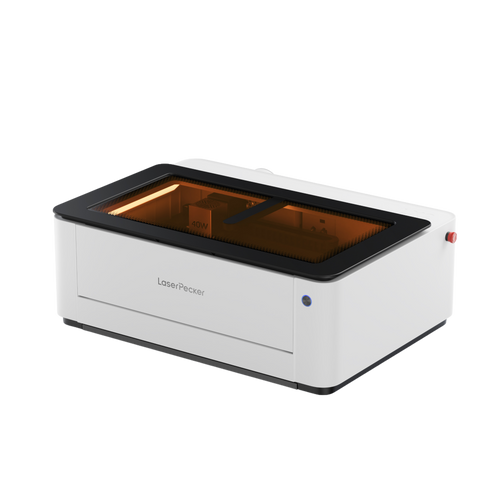
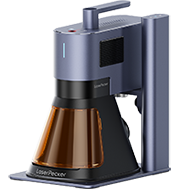
Among today's compact desktop machines, the LP4 stands out as a versatile laser engraver designed for creators, hobbyists, and small business users who want reliable engraving performance across multiple materials.
Here's why the LP4 is widely recommended:
Recommended Laser Engraver for Personalised Tote Bags: LaserPecker LP4
The LaserPecker LP4 is a versatile laser engraver designed for creators, hobbyists, and small business users who want reliable engraving performance across multiple materials.
-
Dual-Laser System
The LP4 combines a 10W blue diode laser with a 2W infrared laser, allowing you to engrave materials such as leather, fabric, wood, coated surfaces, and selected metals with flexibility from a single device. -
Smart Touchscreen Control
Quick laser switching and the Engrave Again feature help streamline repeat jobs, which is especially useful for batch personalisation projects. -
Multi-Angle Engraving Capability
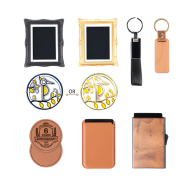
Adjustable angles make it easier to engrave tote bag straps, pockets, leather labels, and uneven surfaces with consistent positioning. -
Fast and Precise Results
High-speed engraving with sharp detail makes the LP4 suitable for small business branding and professional-quality personalised products. -
Flexible Software Compatibility
The LP4 works smoothly with LightBurn and LaserPecker Design Space across computers and mobile devices, supporting both beginner-friendly workflows and advanced project control.
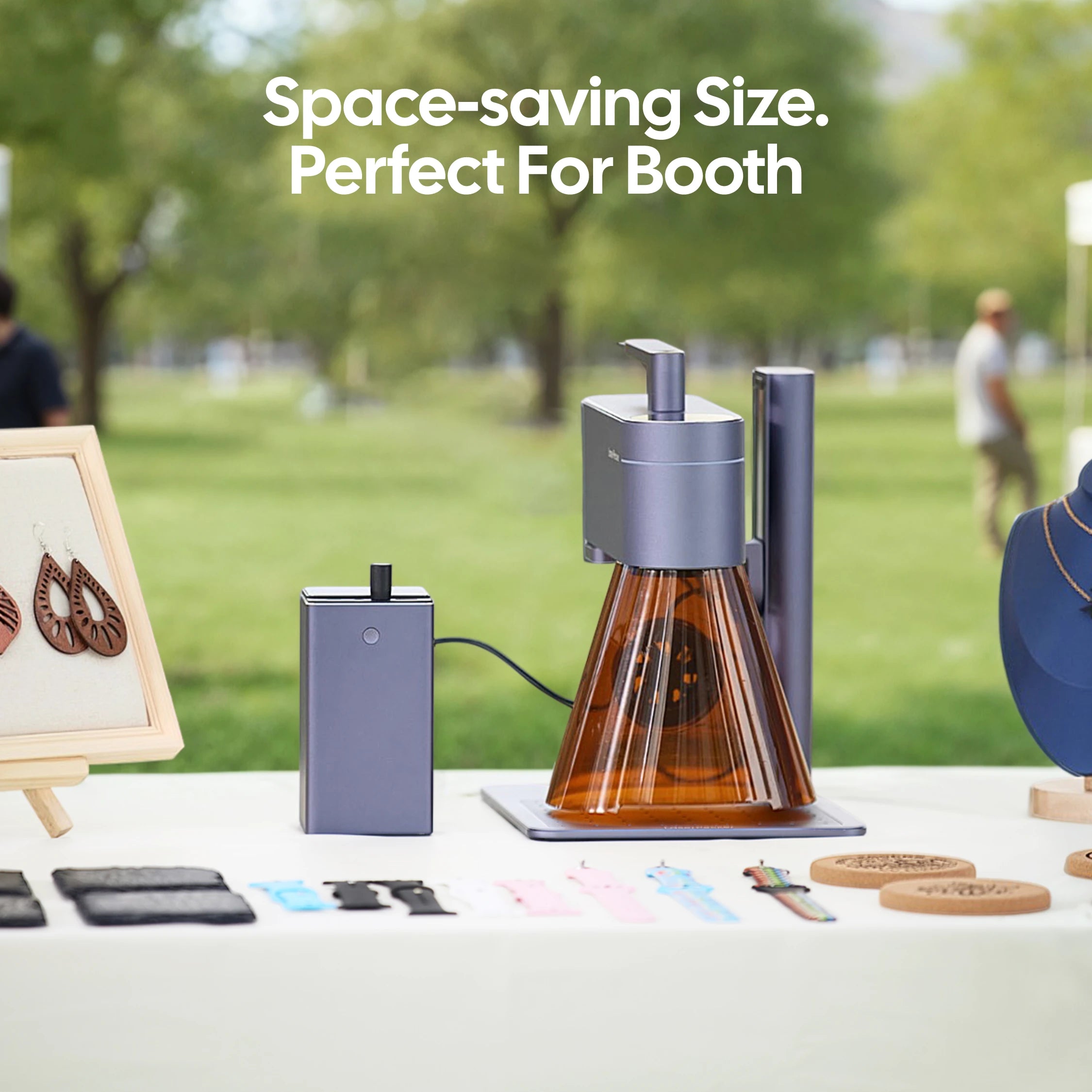
Overall, the LP4 is a strong choice for tote bag customisation if you want clean engraving detail, efficient production, and a professional finish suitable for resale or gifting.
Part 5: How to Make Personalised Tote Bags with LP4
Here's a step-by-step guide to personalising tote bags using the LP4 dual-laser system. This workflow is suitable for hobbyists, Etsy sellers, and small craft businesses working with canvas, denim, leather patches, or coated accessories.
Step 1: Prepare Your Design
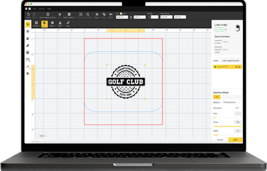
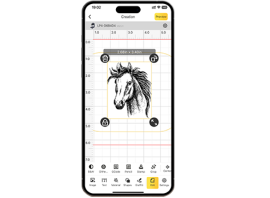
Create or import your artwork, logo, or name layout in vector format for the best engraving results. Upload the design into LightBurn or LaserPecker Design Space.
The LP4's built-in camera preview helps you position the artwork accurately on tote bags, tags, or fabric patches before engraving begins.
Step 2: Select the Appropriate Laser
Choose the correct laser module depending on your material:
- Use the 10W blue diode laser for canvas, denim, wood, bamboo, and acrylic tags
- Use the 2W infrared laser for leather, coated materials, and selected metals
Selecting the correct laser improves engraving clarity and helps protect delicate fabrics.
Step 3: Position the Tote Bag
Lay the tote bag flat on the working surface and smooth out any wrinkles before engraving.
If applying a patch or label, position it securely in place first.
The LP4's adjustable multi-angle structure makes it easier to engrave challenging areas such as:
- Tote bag straps
- Front pockets
- Leather branding patches
Step 4: Adjust Engraving Settings
Set the engraving speed, power level, and number of passes according to the material type:
- Leather: medium speed with low-to-medium power
- Fabric: low power to prevent burning
- Canvas and denim: low-to-medium speed with multiple light passes for cleaner detail
Running a short test engraving is recommended before starting the final design.
Step 5: Start Engraving
Once settings are confirmed, begin engraving your design.
With engraving speeds of up to 4000 mm/s, the LP4 delivers fast production results while maintaining sharp detail—ideal for personalised gift production and small-batch craft business workflows.
Step 6: Final Cleaning and Finishing
After engraving:
- Remove any surface residue with a soft cloth
- Apply leather conditioner if engraving leather patches
- Attach patches securely if used in your design layout
These finishing steps help improve the appearance and durability of your personalised tote bag.
Part 6: FAQs About Making a Personalised Tote Bag
1. Can laser engraving work on all tote bags?
Laser engraving works best on materials such as canvas, denim, leather patches, and selected coated fabrics. For thinner cotton tote bags, many UK makers prefer engraving a leather label first and then stitching it onto the bag. This approach creates a professional finish while protecting the fabric surface.
2. Which personalisation method lasts the longest?
Laser engraving and embroidery are among the most durable personalisation methods available. Laser engraving permanently marks the surface of the material, while embroidery uses strong stitched threads that resist washing and friction. Both methods generally last longer than heat transfer or printed designs.
3. Are leather tags more durable than printed designs?
Yes. Laser-engraved leather tags are highly durable because the design is etched directly into the leather surface rather than applied on top. This makes them especially suitable for personalised tote bags intended for regular use or retail sale.
4. Is laser engraving suitable for business branding?
Yes. Laser engraving produces clean, consistent, and professional branding results. With a compact laser engraver such as the LP4, small businesses can efficiently personalise logos, names, batch identifiers, or product details across multiple tote bags.
5. What is the best fabric for personalised tote bags?
Canvas is one of the most popular choices in the UK because it balances durability with engraving compatibility. Denim and leather patches are also excellent options for premium personalised designs that require long-lasting results.
6. Is a desktop laser engraver suitable for beginners?
Yes. Many desktop machines such as the LP4 are designed for beginners as well as small workshop users. Features like camera positioning, touchscreen control, and repeat engraving functions make it easier to produce accurate personalised tote bag designs even without advanced experience.
Conclusion
Personalised tote bags continue to grow in popularity across the UK for gifting, creative projects, and small craft business products because they are practical and easy to customise using a range of techniques. Among the available options, laser engraving stands out as one of the most reliable methods for achieving sharp detail, strong durability, and a premium-looking finish.
With a compact laser engraver such as the LP4, you can create clean, permanent designs on canvas, denim, leather patches, and other compatible materials—making it ideal for personalised gifts or launching a small personalised merchandise range from your home workshop.
If you're ready to start creating engraved tote bags with professional-quality results, the LP4 offers a practical and efficient solution to begin your customisation projects.