










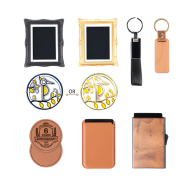



















Business cards remain one of the most effective tools for creating a lasting first impression. However, in today's highly competitive market, standard paper cards often struggle to stand out. This is where laser engraving makes a difference. Using precision laser technology, you can transform ordinary business cards into distinctive pieces — from sleek metal cards and eco-friendly wooden designs to modern acrylic finishes.
This guide covers everything beginners need to know about laser engraving business cards, including what it is, how it works, the best machines to use, essential safety considerations, and a step-by-step process to create professional, personalised cards that leave a strong impression.

In this article:
- Part 1: Overview of Laser Engraving for Business Cards
- 1.1 What Is Laser Engraving for Business Cards
- 1.2 How Does Laser Engraving Work on Business Cards
- 1.3 Which Engraving Machine Is Best for Business Card Engraving
- 1.4 Safety Considerations Before Engraving Business Cards
- Part 2: Why Use Laser Engraving for Business Cards
- Case Study: How to Laser Engrave Business Cards in 5 Steps💡
- FAQs: FAQs Hot Questions about Laser Engraving Business Cards
Part 1: Overview of Laser Engraving for Business Cards
1.1 What Is Laser Engraving for Business Cards?
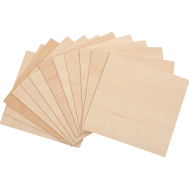
Laser engraving for business cards is a process that uses a focused laser beam to etch text, logos, or detailed designs directly onto materials such as wood, metal, plastic, or premium paper stock.
Unlike traditional printing methods, laser engraving removes the surface layer of the material, resulting in a permanent, highly precise, and tactile finish. This creates a more distinctive and professional look, making it a popular choice among UK-based designers, small businesses, and creative professionals looking to stand out.

1.2 How Does Laser Engraving Work on Business Cards?
Laser engraving works by directing a high-powered laser onto the surface of the business card. The laser beam vaporizes or burns a thin layer of material, creating sharp, detailed lines. Depending on the type of card material:
Depending on the material used, the results can vary:
- Wood or bamboo cards: produce rich, dark engravings with strong natural contrast
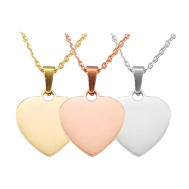
- Metal cards (stainless steel, aluminium, titanium): create crisp markings or subtle colour variations depending on the laser type
- Plastic or acrylic cards: achieve frosted or semi-transparent effects
This versatility allows UK users to create a wide range of customised finishes suited to different industries and branding styles.

1.3 Which Engraving Machine Is Best for Business Card Engraving?
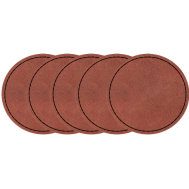
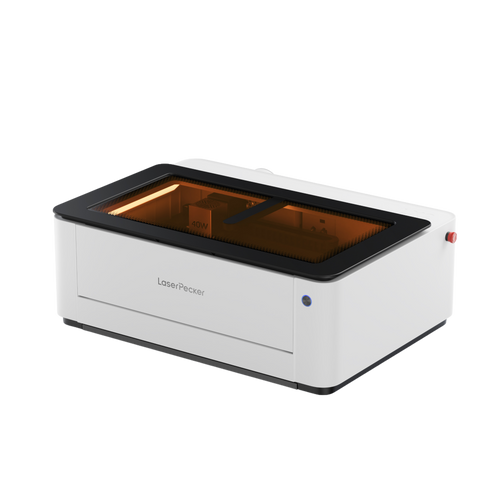
Diode laser engravers are among the most commonly used machines for business card engraving, as they perform well across a variety of materials, including wood, acrylic, leather, coated paper, and certain metals.
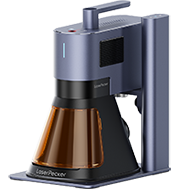
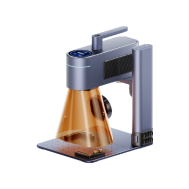
For users in the UK, compact and user-friendly diode laser engravers are particularly suitable for home workshops or small businesses. Models such as the LP5, LP4 are popular choices due to their ease of use and cost-effectiveness.
These machines provide a practical entry point for beginners while still delivering professional-quality results for personalised business cards.

1.4 Safety Considerations Before Engraving Business Cards
Although laser engraving is generally safe when used correctly, it is essential to follow proper safety practices:
- Ensure proper ventilation: especially when engraving coated or plastic cards that may release fumes
- Secure the material firmly: to prevent movement during engraving
- Test settings in advance: use a spare card to avoid damaging final materials
Part 2: Why Use Laser Engraving for Business Cards?
Laser engraving for business cards has become an increasingly popular choice among professionals and businesses looking to stand out in competitive UK markets. Compared to traditional printing methods, engraving offers a more premium, durable, and highly customisable solution.
Here are the key benefits:
① Unique & Professional Appearance
Laser-engraved business cards deliver a sophisticated and tactile finish. The engraved texture adds depth and character, creating a memorable first impression that standard printed cards often lack.
Whether it's a subtle logo, a bold name, or an intricate design, the final result feels refined and high-end—ideal for UK professionals aiming to elevate their brand image.
② High Precision & Customisation
Laser engraving enables extremely fine detailing, from micro text to complex logos and patterns. This level of precision allows for a wide range of creative and functional options, including:
- Personalised names or job titles
- QR codes for instant digital access
- Sequential numbering for limited editions or membership cards
This makes laser-engraved cards both practical and visually distinctive for businesses across the UK.
③ Durability & Longevity
Unlike ink-based or foil printing, which can fade, scratch, or smudge over time, laser engraving creates permanent markings.
On materials such as metal, wood, or acrylic, the engraved design remains intact even with frequent handling. This ensures your business cards maintain their quality and appearance for longer—an important factor for professionals in the UK who prioritise long-term brand consistency.
Case Study: How to Laser Engrave Business Cards in 5 Steps💡
Before getting started, make sure you have everything ready:
Preparation checklist for laser engraving business cards:
- Engraving material: Business cards
- Engraving machine: Diode laser engraver
- Engraving design: Name, logo, images, patterns, etc.
Can you engrave business cards? Absolutely. The process is straightforward.So, how long does it take? For most UK users, it only takes a few minutes once everything is set up correctly.
Step 1: Prepare Your Design
Begin with the artwork, logo, or text you want to engrave. Vector files (such as SVG or AI) are recommended for the cleanest and most precise results, although most engraving software also supports images and text formats.
For best results, use high-contrast designs and clean linework—especially when working with anodised aluminium business cards.
Step 2: Choose the Right Laser Engraving Machine for Business Cards Engraving
Selecting the right machine is essential for achieving consistent results.
For users in the UK, LaserPecker 4 (LP4) is a strong option. It features:
- 10W 450nm diode laser
- 2W 1064nm IR laser
- Engraving speed of up to 4,000 mm/s
This combination offers excellent versatility for engraving different types of business cards with precision and efficiency.
Step 3: Secure the Business Card
Place your business cards flat on the engraving surface. Use tape, weights, or clamps if necessary to prevent movement.
A stable and level surface is critical for maintaining consistent engraving depth and achieving accurate results across multiple cards.
Step 4: Set Up the Business Cards Laser Engraving Machine
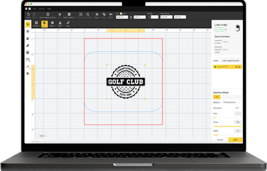
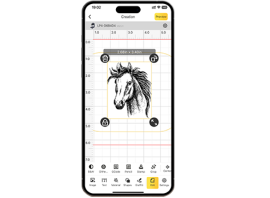
Use a LaserPecker graphic design app/software or third-party tools such as Photoshop to create or import your design. Adjust the layout based on the card size, shape, and positioning.
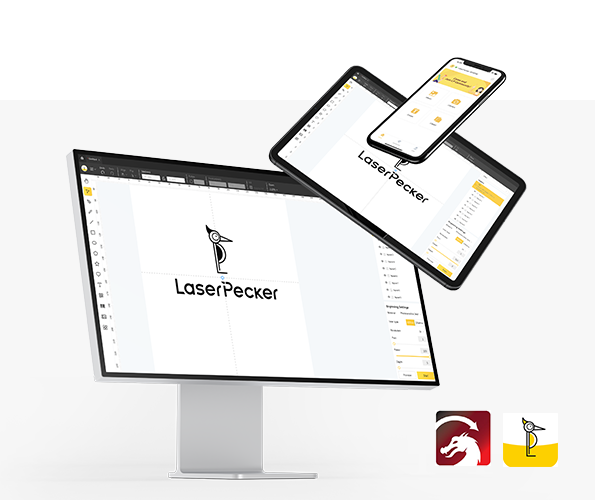
You can also explore LaserPecker CraftZone for design inspiration or ready-made files.
Next, configure your engraving setup:
- Power on your engraver and connect it via Wi-Fi, USB, or Bluetooth
- Open the design software and upload your file (JPG, PNG, G-code, SVG, etc.)
- Position the design within the working area and enable Preview Mode
- Adjust the layout to ensure it fits perfectly on the business card
- Set the correct focus before engraving

Now, configure the engraving parameters.
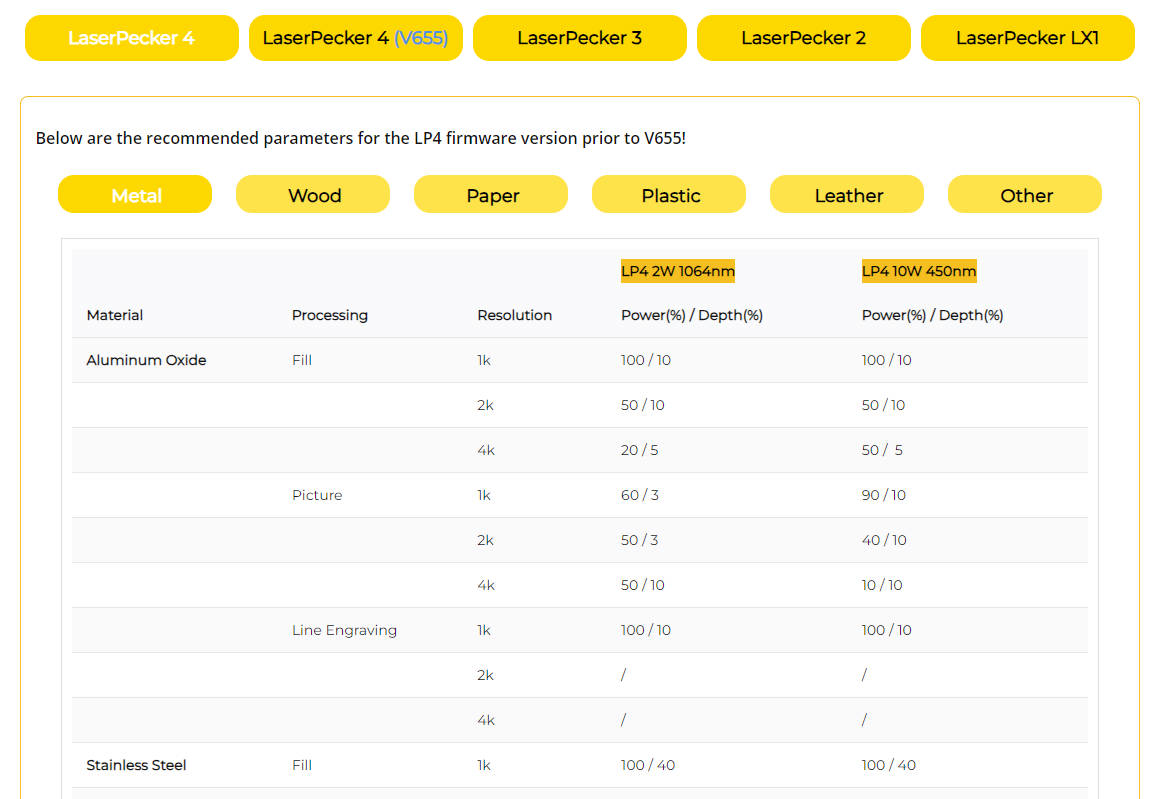
For optimal results, the recommended laserpecker engraving and cutting parameters for business cards are:
- Laser: 2W 1064nm IR laser
- Resolution: 2K
- Power: 100%
- Depth: 3%
- Pass: 1
When operating the machine, always prioritise safety:
- Wear protective goggles or use a laser protection cover
- Ensure proper ventilation, especially in indoor UK workspaces
- Use an air purifier to filter smoke and fumes generated during engraving
Step 5: Start Engraving Your Business Cards with Laser Now
Before starting, double-check all settings to avoid errors. Then begin the engraving process and monitor the machine as it works.
Once completed, clean the surface using a microfibre cloth or a mild cleaner. Inspect each card to ensure consistent quality, sharp details, and a professional finish.
FAQs: Hot Questions about Engraving Business Cards
Q1. Can you laser engrave business cards at home in the UK?
Yes, you can laser engrave business cards at home using a compact diode laser engraver. Many UK users set up small home workshops with proper ventilation and safety measures, making it a practical option for hobbyists and small businesses.
Q2. What materials work best for laser engraved business cards?
Popular materials include anodised aluminium, stainless steel, wood, and acrylic. In the UK, metal cards are especially favoured for their durability and premium appearance, while wood offers a more eco-friendly alternative.
Q3. How long does it take to laser engrave a business card?
In most cases, engraving a single business card takes just a few minutes, depending on the design complexity, material, and machine settings. Batch engraving may take longer but improves overall efficiency.
Q4. Do laser engraved business cards fade over time?
No, laser engraving is permanent. Unlike printed designs, engraved markings do not fade, smudge, or peel, making them ideal for long-term professional use.
Q5. Is laser engraving safe for indoor use?
Yes, as long as proper precautions are taken. UK users should ensure good ventilation, use protective goggles, and consider using an air purifier to remove fumes—especially when working with plastics or coated materials.
Q6. What is the best laser engraver for beginners in the UK?
Beginner-friendly diode laser engravers are a popular choice due to their affordability and ease of use. Compact models are ideal for home setups and can handle a variety of materials commonly used for business cards.
Conclusion
Laser-engraved business cards do more than simply share contact details — they reflect creativity, quality, and professionalism. Whether you choose wood for its natural warmth, metal for its bold and premium feel, or acrylic for a modern finish, laser engraving ensures every detail is sharp, precise, and memorable.
For users in the UK, this approach is particularly valuable in competitive industries where standing out is essential. A well-crafted, personalised business card can leave a lasting impression and reinforce your brand identity.
By following the steps outlined in this guide, even beginners can confidently design and engrave their own high-quality business cards. With the right tools, creative ideas, and attention to detail, you can produce cards that are not just handed out — but genuinely remembered.