































If you enjoy crafting, personalising gifts, or running a small creative business in the UK, you've likely come across both laser cutters and Cricut machines. These tools allow you to turn digital designs into physical creations — cutting, engraving, or shaping materials with impressive precision.
However, despite their similar purpose, they operate in fundamentally different ways and are suited to very different types of projects.
In this guide, we'll explore the key differences between laser cutters and Cricut machines, including power, compatible materials, working speed, and creative flexibility. Whether you're a hobbyist, an Etsy seller, or a professional maker, understanding these differences will help you choose the right tool for your needs in the UK market.

In this article:
Part 1: What Is a Cricut Machine?
Cricut machines are often described as the “Swiss Army knife” of crafting tools — especially popular among UK crafters, hobbyists, and small Etsy-style businesses. Designed for ease of use, these machines use precision blades to cut a wide range of materials, helping you turn digital designs into physical creations.
From custom stickers and detailed paper crafts to vinyl lettering and fabric templates, Cricut machines are ideal for everyday creative projects. One of their biggest advantages in the UK is accessibility — they're widely available and beginner-friendly, even if you have little technical experience.
How Does a Cricut Machine Work?
A Cricut machine works by using a fine blade to cut materials such as paper, vinyl, and fabric. The process is simple:
- Choose a design from the Cricut Design Space software or upload your own
- Adjust settings based on the material type
- Let the machine automatically cut your design
Some models can also perform additional functions, including:
- Scoring (for folding lines)
- Writing (using pens)
- Foil transfer for decorative finishes
Cricut machines perform best on thinner materials. For optimal results, it's important to match the right blade, pressure settings, and material type — as these factors directly affect cutting precision.

Pros and Cons of Cricut Machines
Pros:
- Affordable and ideal for beginners in the UK crafting community
- Compact and easy to use in home workspaces
- Suitable for cutting paper, vinyl, fabric, and other thin materials
- User-friendly software with a short learning curve
Cons:
- Not suitable for cutting thick or dense materials
- Cannot engrave metal or perform deep cutting tasks
- Complex, multi-layered designs may take longer to complete
- Not designed for large-scale or industrial production
Part 2: What Is a Laser Cutter?
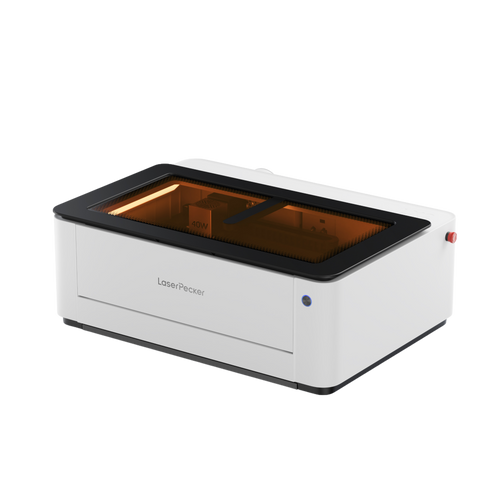
Laser cutters are advanced tools that use focused light beams to cut or mark materials with exceptional precision. Unlike traditional cutting tools, laser cutters do not require physical contact with the material, which allows for cleaner edges and highly detailed designs.
In the UK, laser cutters are widely used across industries such as manufacturing, signage, and jewellery making, as well as by hobbyists in home workshops. Whether you're running a small business or working on personal creative projects, laser cutters offer a high level of flexibility and professional-quality results.
How Does a Laser Cutter Work?
Laser cutters operate by directing a concentrated beam of light onto a material. The energy from the laser either melts, burns, or vaporises the surface, resulting in precise cuts or engravings.
Modern laser cutters are typically controlled by computer software, allowing users to import designs from CAD or vector-based programs and reproduce them with high accuracy.
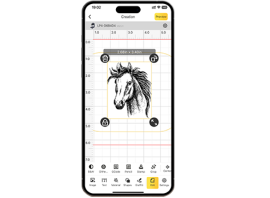
Some advanced, compact, and portable desktop laser cutters are designed with ease of use in mind. In the UK, many makers prefer models that can be controlled via a smartphone app, making the workflow more accessible even for beginners.
Depending on the laser type — such as fibre or diode — laser cutters can work with a wide range of materials, including:
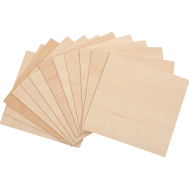
- Wood
- Acrylic
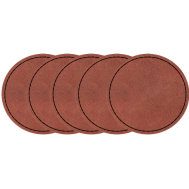
- Leather
- Plastics
- Certain metals
By adjusting parameters such as laser power, speed, focus, and beam type, users can achieve different cutting depths, engraving effects, and surface finishes.
For users in the UK, safety is also an important consideration. Some models offer Class 1 Laser Safety (fully enclosed systems), while others can be safely used with protective covers and proper eye protection. Pairing machines with air purification systems can also help maintain a safe indoor working environment.
Pros and Cons of Laser Cutters
Pros
- Extremely precise, ideal for intricate and detailed designs
- Capable of cutting and engraving a wide range of materials, including wood, acrylic, and metal
- Produces clean, professional-quality finishes
- Combines cutting, engraving, and marking in a single machine
Cons:
- Higher upfront cost compared to machines like Cricut
- Requires some learning, especially for beginners
Part 3: Laser Cutter vs Cricut: 6 Key Differences Explained
If you're deciding between a laser cutter and a Cricut machine in the UK, it's important to understand how differently these tools perform in real-world projects. While both are used for creative production, their capabilities vary significantly depending on precision, materials, complexity, and long-term use.
Below is a clear breakdown to help you choose the right tool for your needs.
1. Precision and Cutting Ability
Cricut machines offer good accuracy for simple shapes and standard crafting materials. However, they can struggle with fine details, especially when working with thicker or denser materials.
Laser cutters, on the other hand, deliver exceptional precision. They are capable of producing intricate patterns, sharp edges, and consistent engraving results with minimal deviation — making them ideal for detailed or professional-grade work.
2. Materials You Can Cut
One of the biggest differences lies in material compatibility.
Laser cutters can process a wide range of materials, including:
- Wood
- Acrylic
- Leather
- Plastics
- Glass and ceramics
- Certain metals
More advanced systems (such as fibre laser machines) can even cut thin metals like brass, aluminium, stainless steel, and titanium — a major advantage for UK-based makers and small businesses.
Cricut machines are more limited and typically support:
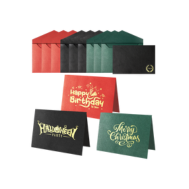
- Paper and cardstock
- Vinyl and heat transfer materials
- Fabric
- Thin leather or balsa wood
They are not suitable for most metals or thicker materials.
3. Design Complexity
Cricut machines are best suited for simpler designs, such as lettering, decals, stickers, and basic layered projects.
For more complex or highly detailed work — including intricate logos, fine patterns, or precision engraving — laser cutters provide significantly greater flexibility. Because they are driven by digital design software, they can accurately reproduce complex vector files with ease.
4. Cutting and Engraving Speed
Laser cutters are generally faster, particularly when engraving or cutting thin to medium materials. Their non-contact process allows for smooth and continuous operation.
By comparison, blade-based machines like Cricut may take longer, especially for multi-layered or repetitive designs.
5. Cost Comparison
Laser cutters typically require a higher initial investment. However, for UK users running small businesses or producing items regularly, their speed and versatility can offer better long-term value.
Cricut machines are more affordable upfront, making them a popular choice for hobbyists or occasional projects.
6. Ease of Use
Cricut machines are known for their beginner-friendly setup and intuitive software, making them ideal for users with little technical experience.
Laser cutters require a basic understanding of design software, material settings, and safety practices. That said, newer models — including systems like the LP5 — feature more intuitive software, making them increasingly accessible to beginners in the UK.
7. Application and Use Cases
Laser cutters are well-suited for professional environments and higher-volume production. In the UK, they are commonly used for:
- Custom signage
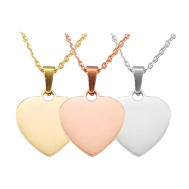
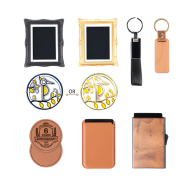
- Jewellery and personalised gifts
- Product prototyping
- Small-scale manufacturing
Cricut machines are better suited for home-based creative use, such as:
- DIY crafts
- School or hobby projects
- Home décor customisation
- Small personalised items
Ultimately, the right choice depends on your project scale, material requirements, and production goals.
Additionally, a laser cutter can also function as a laser engraver, allowing you to add intricate designs or personalised details — further expanding its versatility.
Part 4: Cricut vs Laser Cutter: Which One Should You Choose?
Choosing between a Cricut machine and a laser cutter ultimately depends on the type of projects you plan to create, the materials you use, and how often you intend to use the machine.
For simple, home-based creative projects — such as paper crafts, vinyl decals, or personalised stickers — a Cricut machine is a practical and affordable choice. It's particularly popular among UK hobbyists thanks to its ease of use, compact size, and low upfront cost.
When to Choose a Laser Cutter
A laser cutter is the better option if your projects require more power, precision, and versatility. In the UK, many small businesses and makers choose laser systems when they need consistent, professional-quality output.
Choose a laser cutter if you:
- Work with tougher materials such as wood, leather, acrylic, or metal
- Need high precision for detailed designs or engraving
- Want to produce items more efficiently or at scale
- Plan to create personalised products for sale or business use
Recommended Option: the LP5
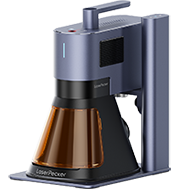
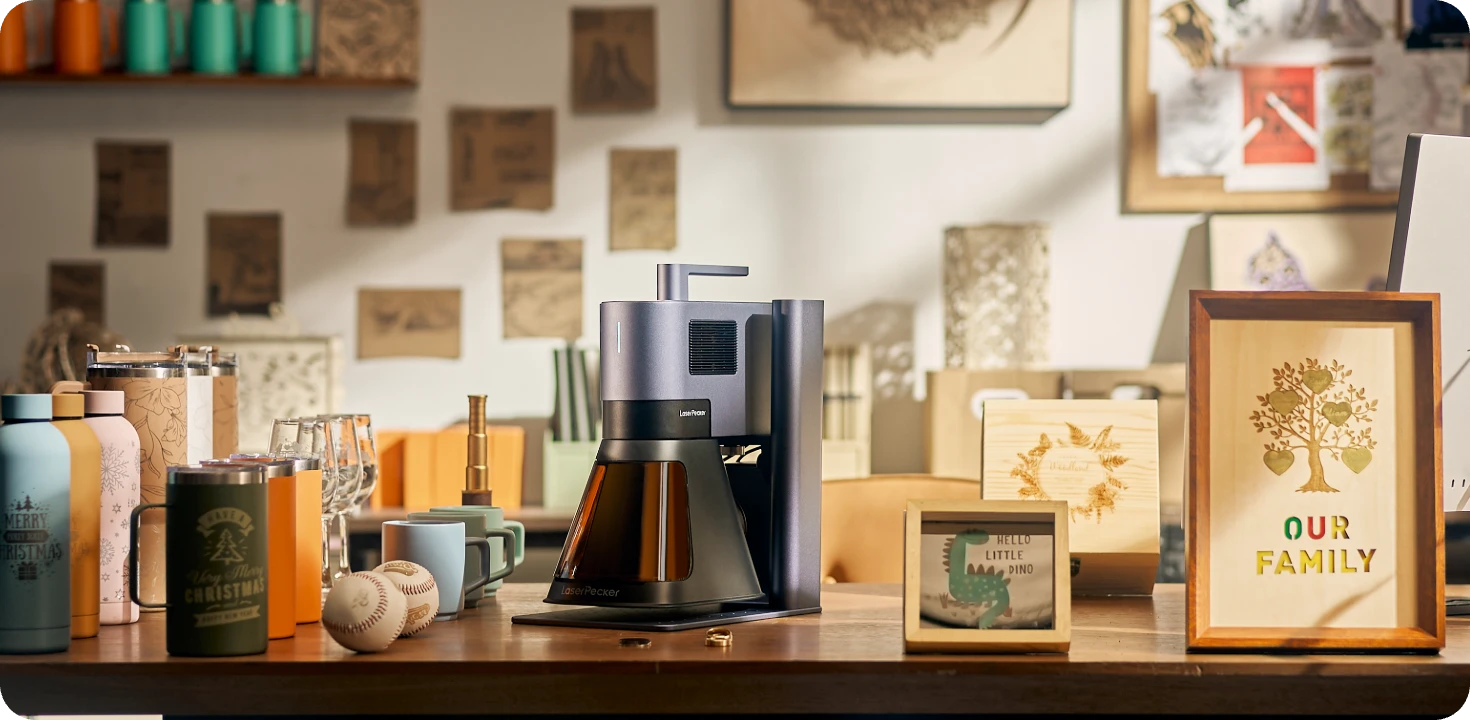
If you're looking for a powerful and flexible solution, the LP5 is a strong choice for users in the UK. This machine combines both a 20W fibre laser (1064nm) and a 20W diode laser (450nm), offering excellent versatility across different materials.
- The diode laser is suitable for materials such as wood, leather, plastics, glass, and coated surfaces
- The fibre laser is optimised for metals, including stainless steel, aluminium, brass, and titanium, as well as certain plastics and painted finishes
This dual-laser setup allows users to switch between materials and applications without needing multiple machines.
Performance and Features
The LP5 is designed for both hobbyists and small business owners who need reliable performance:
- Cuts up to 15 mm dark acrylic and 20 mm basswood using the diode laser
- Processes thin metal sheets (around 1 mm) with the fibre laser
- Engraving speeds of up to 10,000 mm/s for fast production
- Optional slide extension (up to 160 × 300 mm) for larger projects
- Rotary accessory for engraving cylindrical objects like mugs and bracelets
Software and Usability
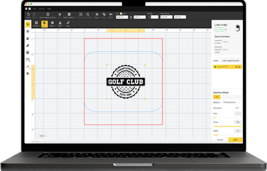
The LP5 supports both LightBurn and LaserPecker Design Space software, making it suitable for different skill levels. You can operate it via desktop or mobile devices, offering flexibility for various workflows.
Thanks to its compact design and professional-level capabilities, the LP5 is well-suited for UK users who want to scale from hobby projects to small business production.
For indoor use, pairing the machine with air purification systems can help manage fumes and maintain a safe working environment — an important consideration for home workshops in the UK.
Part 5: FAQs About Cricut vs Laser Cutter
1. Can a Cricut machine cut wood or metal?
Cricut machines can cut light materials such as balsa wood, cardboard, thin faux leather, and very thin wood sheets. However, they are not designed for cutting metal or thick hardwood. Attempting to do so may damage the blade, reduce cutting accuracy, and shorten the lifespan of the machine.
If you need to cut metal or dense wood, a laser cutter is a more suitable option.
2. Which is better for beginners in the UK: a laser cutter or a Cricut machine?
For beginners, Cricut machines are generally easier to use. They offer simple setup, intuitive software, and are ideal for crafting projects involving paper, vinyl, and fabric.
Laser cutters require more understanding of materials and settings, but modern machines like the LP5 are becoming more beginner-friendly. With pre-set material profiles, fast engraving speeds, and built-in safety features, even new users in the UK can achieve professional-quality results.
3. How long does a laser cutter last?
A well-maintained laser cutter can last for many years, even with frequent use. Modern diode-based systems such as the LX2 are designed for durability and consistent engraving and cutting performance over time.
With its optimised structure and high-speed capability (up to 1000 mm/s with 10,000 mm/s² acceleration), the LX2 supports efficient production without placing excessive strain on components. The tool-free quick-swap laser module design also reduces wear during maintenance, helping extend the machine's overall lifespan.
To maximise longevity, users should regularly clean the lenses, ensure proper positioning, and follow recommended operating guidelines. For users in the UK, pairing the LX2 with a smoke purifier or air purifier also helps maintain internal cleanliness, reducing residue buildup and improving long-term reliability — especially in home workshops or small business environments.
With proper care, a compact desktop laser cutter like the LX2 can remain dependable for both hobby use and small-scale production.
4. Is a laser cutter worth it for small businesses in the UK?
Yes, a laser cutter can be a worthwhile investment for small businesses. It offers greater material flexibility, faster production speeds, and the ability to create high-quality, customised products.
Many UK-based sellers use laser cutters for personalised gifts, signage, and custom merchandise, making it easier to scale production compared to Cricut machines.
5. What materials can a laser cutter handle that a Cricut cannot?
Laser cutters can process a much wider range of materials, including:
- Acrylic
- Glass
- Ceramics
- Metals such as stainless steel and aluminium
- Thicker wood and leather
Cricut machines are limited to lighter materials, making laser cutters the better choice for more advanced or professional applications.
6. Can a laser cutter replace a Cricut machine?
In many cases, yes. A laser cutter can perform cutting and engraving on a wider variety of materials, offering more versatility overall.
However, Cricut machines may still be preferred for simple crafting tasks due to their ease of use and lower cost. For UK users, the choice depends on whether you prioritise simplicity or expanded capabilities.
Conclusion
Both laser cutter and Cricut machines are powerful tools for creative projects, but they are designed for different purposes. Cricut machines are affordable, easy to learn, and ideal for simple applications such as paper crafts, vinyl decals, and small-scale DIY projects.
Laser cutters, on the other hand, are better suited for more advanced work. For users in the UK who are serious about crafting or running a small business, a laser cutter offers greater precision, material versatility, and long-term value.
Machines like the LP5 provide the flexibility to work across a wide range of materials while delivering professional-quality results. Whether you're creating personalised products or scaling production, a laser cutter can support your growth more effectively.
Ultimately, the right choice comes down to your project needs, budget, and future goals. By understanding what each machine does best, you can confidently invest in the tool that aligns with your creative ambitions in the UK.