





























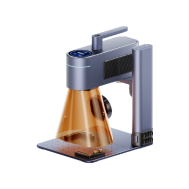


Custom golf balls have become increasingly popular across the UK among golfers, businesses, and sports enthusiasts. Whether you're adding initials to easily identify your balls on the course, creating unique gifts for tournaments, or designing branded merchandise, personalised golf balls combine style with practical use.
In this guide, we'll explore how to customise golf balls effectively, why personalisation matters, and the best methods for printing or engraving durable designs. We'll also walk you through simple steps to achieve professional-quality results.
Let's start by looking at why customising golf balls is such a popular choice.

In this article:
- Part 1: Why Customise Golf Balls
- Part 2: Top 5 Methods for Customising Golf Balls
- Method 1: Pad Printing
- Method 2: Heat Transfer Printing
- Method 3: UV Printing
- Method 4: Vinyl Stickers
- Method 5: Laser Engraving (Recommended)
- Part 3: How to Customise Golf Balls with a Laser Engraver
- Part 4: Factors to Consider When Customising Golf Balls
- Part 5: FAQs for Making a Custom Golf Ball
Part 1: Why Customise Golf Balls
Customising golf balls provides both practical advantages and visual distinction for players across the UK. On busy courses and during club competitions, personalised golf balls help players quickly identify their equipment, reducing confusion and supporting smoother gameplay. Adding initials, numbers, or small logos also gives golf accessories a more professional appearance during regular play or organised matches.

Across the UK's strong club golf culture, customised golf balls are especially popular among members participating in weekend competitions, society events, and corporate golf days. Personal identification markings help prevent ball mix-ups when multiple players use the same ball model.
From a business perspective, branded golf balls are widely used at corporate golf days, charity tournaments, and trade exhibitions. Companies frequently distribute them as practical promotional items that increase brand visibility in a subtle and professional setting.
Customised golf balls are also commonly prepared for weddings, fundraising tournaments, and seasonal golf events throughout the UK. These personalised items transform standard sports equipment into memorable keepsakes suitable for both personal celebrations and professional networking occasions.
Part 2: Top 5 Methods for Customising Golf Balls
There are several reliable ways to customise golf balls, each offering different benefits in terms of durability, appearance, and overall finish.
Method 1: Pad Printing
Pad printing is widely used by manufacturers to apply logos and text to golf balls. The process transfers ink from an etched plate onto a silicone pad, which then presses the design onto the curved surface.
Pros:
- Sharp and consistent prints
- Suitable for detailed logos
- Works well on curved surfaces
Cons:
- Requires specialised equipment
- Not suitable for one-off or DIY projects
- Designs may wear off over time
Method 2: Heat Transfer Printing
This method uses heat and pressure to transfer a printed design onto the golf ball surface via a transfer film.
Pros:
- Supports full-colour designs
- Suitable for short runs and personalised gifts
Cons:
- Requires heat press equipment
- Designs may fade with frequent use
Method 3: UV Printing
UV printing uses ultraviolet light to cure ink directly onto the ball, producing vibrant and detailed designs.
Pros:
- High-resolution, full-colour output
- Scratch- and water-resistant
Cons:
- Requires a UV printer
- Less cost-effective for large-scale production
Method 4: Vinyl Stickers
Vinyl stickers offer a simple and affordable way to personalise golf balls.
Pros:
- Easy to apply
- Low-cost solution
- Ideal for events or giveaways
Cons:
- Limited durability
- May peel with frequent use
- Not suitable for complex designs
Method 5: Laser Engraving (Recommended)
Laser engraving creates permanent markings by engraving the design directly into the surface of the golf ball. It does not affect performance or feel, making it a preferred option for long-lasting customisation.
Pros:
- Permanent and highly durable
- Extremely precise detailing
- Suitable for most golf ball materials
Cons:
- Requires a laser engraving machine
- Higher initial setup cost
Comparison Table
| Method | Durability | Detail Level | Cost | Speed | Ideal Use |
|---|---|---|---|---|---|
| Pad Printing | ★★☆☆☆ | ★★★☆☆ | Low | Very Fast | Bulk logo printing |
| Heat Transfer Printing | ★★★★☆ | ★★★★☆ | Medium | Moderate | Gift items & short runs |
| UV Printing | ★★★★☆ | ★★★★★ | High | Moderate | Premium personalised balls |
| Vinyl Stickers | ★☆☆☆☆ | ★★★☆☆ | Very Low | Fast | Temporary use & events |
| Laser Engraving | ★★★★★ | ★★★★★ | Medium–High | Moderate | Professional & personalised use |
Why Laser Engraving Is the Best Choice
While each method has its advantages, laser engraving stands out for its durability, precision, and professional finish. Unlike stickers or printed designs that may fade or peel, laser engraving creates a permanent mark that maintains its quality over time.
This makes it an excellent choice for personalised gifts, branded golf balls, and long-term use where quality and consistency matter most.
Part 3: How to Customise Golf Balls with a Laser Engraver
Laser engraving is one of the most effective ways to customise golf balls, offering high precision and long-lasting results. The process uses a focused laser beam to remove a thin layer from the surface, creating a permanent mark without affecting the ball's performance or flight.
What You'll Need
- Golf balls
- Rotary attachment or holder for round objects
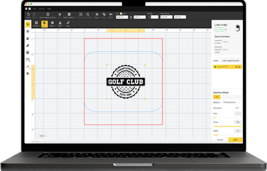
- Design software (such as LightBurn or LaserPecker Design Space)
- Computer or mobile device for editing designs
- Laser engraver for golf balls (the LP4 is a suitable option)
Step-by-Step: Laser Engraving Golf Balls
1. Prepare Your Design
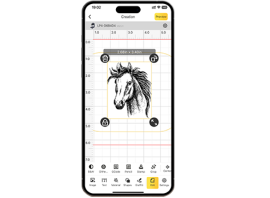
Upload your logo, text, or pattern into your design software. Adjust the size and positioning to fit the surface of the golf ball.
2. Set Up the Ball
Secure the golf ball using a rotary attachment or stabilising fixture. Position the design carefully, avoiding dimples or existing printed areas where possible.
3. Adjust Power and Speed
Start with lower power and higher speed settings to gently engrave the coating without damaging the surface. Always test on a spare ball before final engraving.
4. Begin Engraving
Start the engraving process and monitor the results. Dual-laser systems (such as 10W diode + 2W infrared) provide consistent and precise marking on curved surfaces like golf balls.
5. Clean and Inspect
After engraving, wipe the surface clean with a soft cloth. If a darker finish is required, a second pass at a slightly lower speed can improve contrast.
Why the LP4 Laser Engraver Is a Strong Choice for Customising Golf Balls
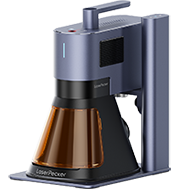
The LP4 dual-laser engraving system combines a 10W blue diode laser (450 nm) with a 2W infrared laser (1064 nm), allowing users to engrave coated golf balls with consistent clarity and precision. This makes it particularly suitable for adding initials, numbering systems, club identifiers, or small logos commonly used during UK club competitions and corporate golf days.
When paired with a rotary attachment, the LP4 supports stable engraving on curved surfaces such as golf balls. This helps maintain accurate positioning across the ball surface while preserving consistent marking depth and alignment.
Its controlled engraving approach ensures markings remain visible without affecting the ball's structure or playing performance, making it suitable for both personal equipment identification and small-batch promotional production.
Key Features of the LP4
- Dual-laser system for coated surfaces and mixed materials
- High-speed engraving up to 4,000 mm/s with fine detail output
- Touchscreen control for quick workflow adjustments
- Multi-angle engraving capability for spherical objects such as golf balls
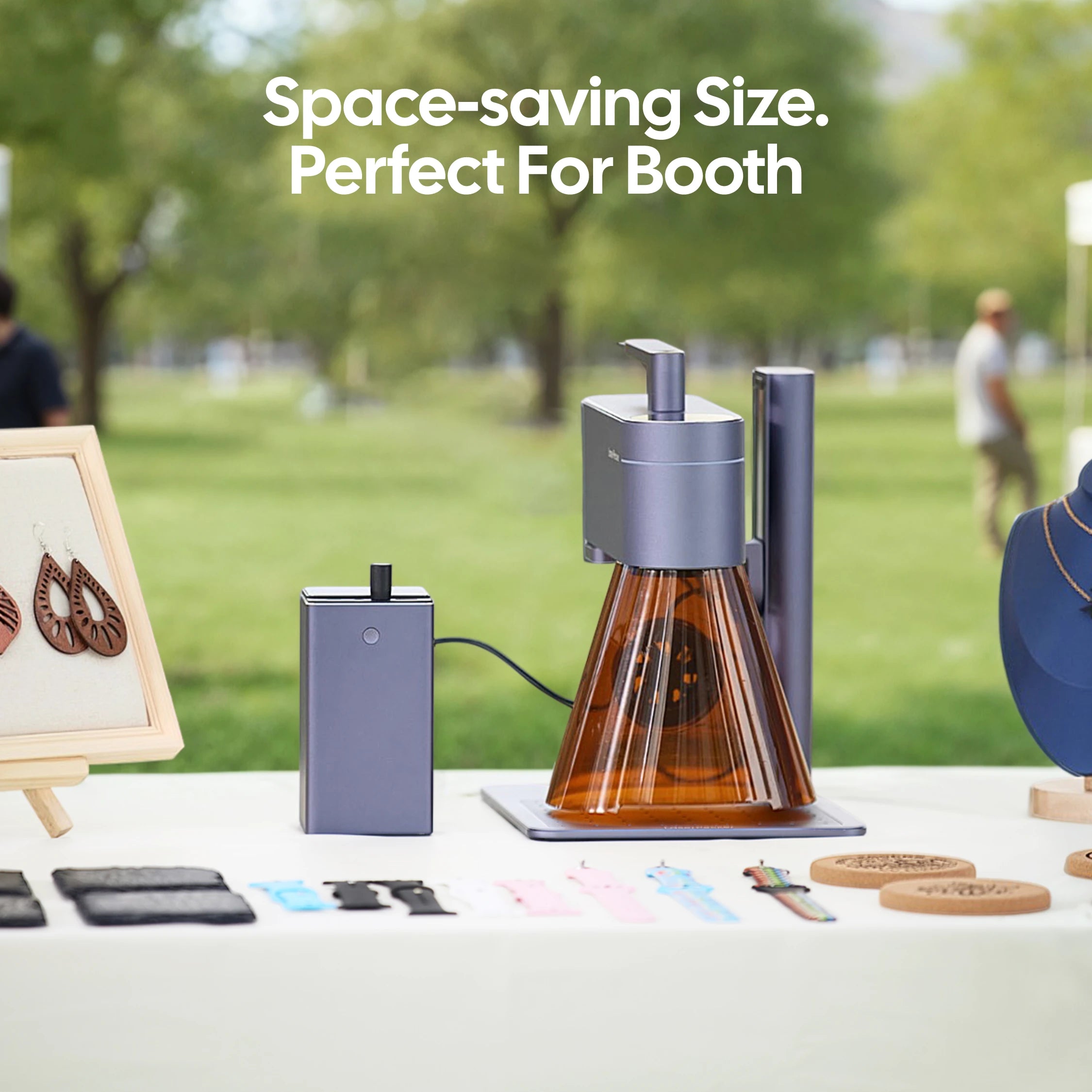
A Cost-Effective Alternative: LaserPecker LP2 Plus
For users looking for a more budget-friendly option while still achieving reliable golf ball engraving results, the LP2 Plus is a strong alternative.
Like the LP4, it supports engraving speeds of up to 4,000 mm/s and works effectively with rotary accessories, making it well suited for marking curved objects such as golf balls used during club practice sessions, tournaments, or branded event giveaways.
Its upgraded 10W diode laser enables deeper and clearer engraving contrast on coated golf balls while maintaining micron-level precision for initials and small logo elements.
Why the LP2 Plus Works Well for Golf Ball Engraving
- ⚡ Engraving speeds up to 4,000 mm/s for efficient batch marking
- 🔪 10W diode laser for stronger contrast on coated golf ball surfaces
- 🌀 SpinTrack™ electric roller support for stable spherical engraving alignment
- 🎯 Dual red-dot focus system for fast positioning accuracy
- 🎒 Portable multi-angle design suitable for flexible workspace setups
- 📦 Compatibility with 100+ materials beyond golf ball projects
- 🖇️ Expandable accessory ecosystem including rotary and enclosure options
For hobby golfers, club organisers, and small businesses preparing personalised golf balls for events or promotions, the LP2 Plus offers a practical balance between affordability and engraving capability.
Part 4: Factors to Consider When Customising Golf Balls
To achieve the best results when customising golf balls, consider the following factors:
Material type: Urethane covers typically engrave more cleanly than Surlyn due to their softer surface. Always test how the material reacts to heat and engraving depth before starting.
Design placement: Avoid engraving over large dimples or existing logos. Careful positioning helps maintain both the appearance and flight performance of the ball.
Purpose of customisation: Decide whether the goal is identification, business branding, or gifting. This will influence your choice of design and customisation method.
Durability requirements: Laser engraving offers more permanent results compared to printed designs, making it ideal for long-term or professional use.
Quantity and budget: Laser engraving is well suited for small batches or one-off custom pieces, while pad printing or UV printing may be more efficient for larger production runs.
Contrast and surface finish: Engraved designs are more visible on lighter or matte golf balls. Dark or glossy finishes may reduce contrast and visibility.
Part 5: FAQs for Making a Custom Golf Ball
Q1. How can I add a custom logo to a golf ball?
You can apply a logo using pad printing, UV printing, or laser engraving. For long-lasting results, laser engraving is the most reliable option, as the design is permanently marked into the surface and will not fade or rub off. Simply upload your logo into the engraving software, centre it correctly, and use moderate settings to achieve a clean finish.
Q2. What is the best way to add text to golf balls?
For colourful designs, UV printing is a good option. However, for sharp, durable results, laser engraving produces the cleanest markings. Use bold, simple fonts that remain legible on curved surfaces, and always test spacing and size before engraving.
Q3. How long does it take to customise golf balls?
The time required depends on the method and design complexity. Laser engraving typically takes around 1–3 minutes per ball. Printing methods may take longer due to setup and drying time. With machines like the LP4, saved settings allow for faster repeat production, even for small batches.
Q4. Will customising a golf ball affect its performance?
When done correctly, laser engraving does not affect the ball's flight, balance, or overall performance. It removes only a thin surface layer without altering the structure.
Q5. Are personalised golf balls suitable for tournaments or gifts?
Yes, personalised golf balls are widely used for tournaments, corporate golf days, and special occasions. They make practical yet memorable gifts, especially when customised with names, logos, or event details.
Q6. Can I customise golf balls at home?
Yes, with a compact laser engraver or appropriate printing tools, it is possible to customise golf balls at home. This is particularly popular among hobbyists and small businesses creating personalised products.
Conclusion
Personalised golf balls combine craftsmanship with creative expression. Whether used for branding, easier identification during play, or as thoughtful gifts, customised designs add both visual distinction and practical value on the course.
Among the available methods, laser engraving offers one of the best balances of precision, speed, and long-lasting results. It produces clean markings that remain visible even after regular play, making it especially useful for club competitions, corporate golf days, and promotional events across the UK.
Whether preparing equipment for your next round or producing personalised items for events or promotions, adding a custom engraving helps your golf balls stand out while maintaining performance and durability.